




Cybertex logo
Cybertex Elevate logo

Cybertex®

Elevate
Online Meeting

Intelligent Video Meetings

Get the most out of your meetings with AI-driven meeting experiences

AI-powered meetings deliver insightful post-meeting summaries, action items and transcripts

AI Meeting Recap

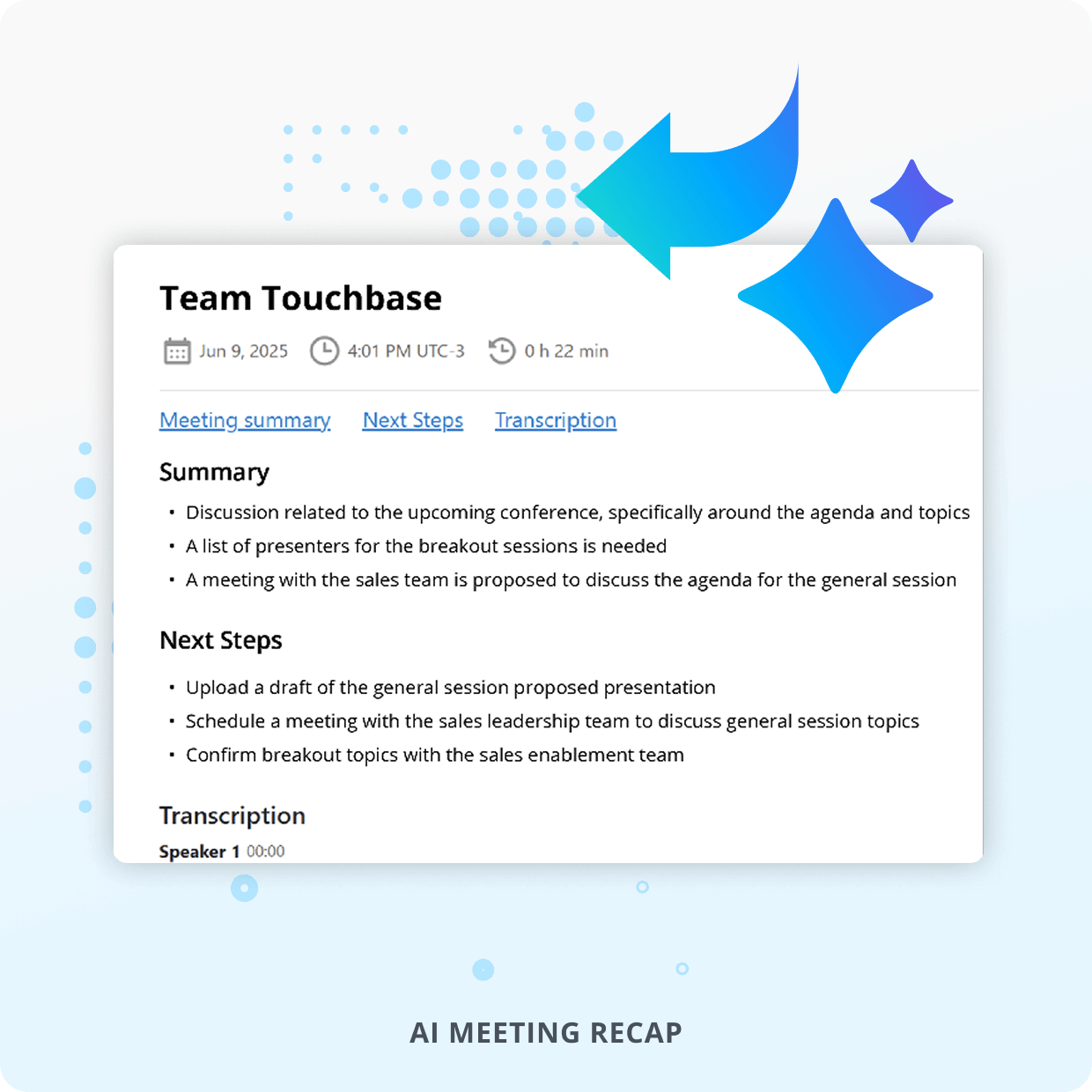
Automatically receive transcripts, summaries, and action items for recorded meetings — ideal for follow-ups and accountability.

Effortless Setup & Workflows

Get started quickly with intuitive mobile and desktop apps, no heavy IT lift or training needed. Easily embed your meetings into everyday tools.

Meet Anywhere

Host and join meetings wherever you go with our convenient desktop and mobile apps.

Meet Securely

Encryption features help enable compliance with HIPAA, GDPR, CCPA, and other regulations.

Intelligent Video Meetings

Powerful Video Conferencing for All Businesses

HD Video Meetings
Audio Connectivity
AI Meeting Recap
Screen Annotation

SCREEN ANNOTATION

HD Video Meetings

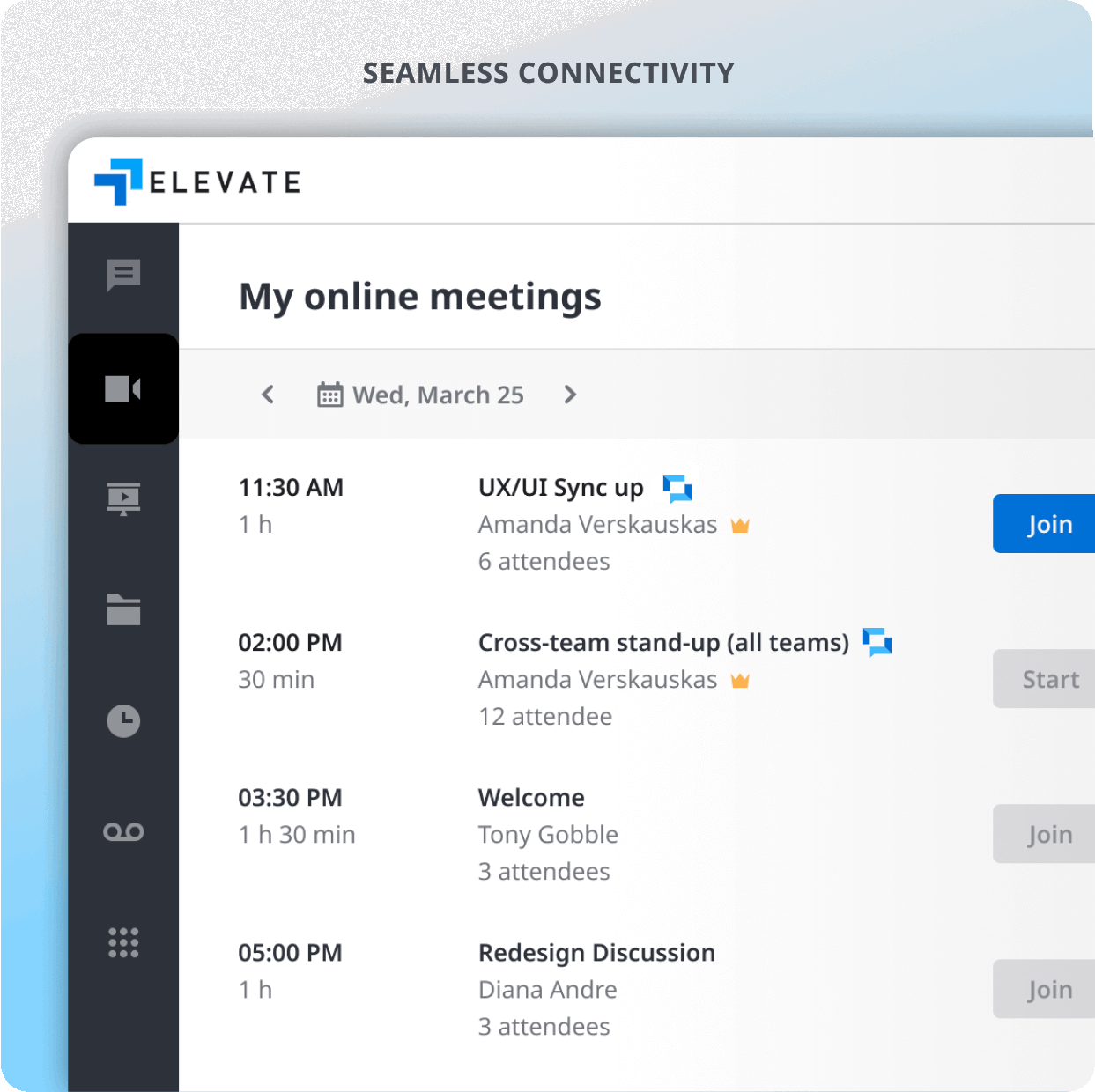
Host high-quality video meetings with support for up to 100 video participants designed to scale with businesses of all sizes.

Seamless Audio Connectivity

Join meetings via computer or phone using dedicated call numbers and secure PINs for flexible access.

AI Meeting Recap

Automatically receive transcripts, summaries, and action items for recorded meetings—ideal for follow-ups and accountability.

Interactive Screen Annotation

Highlight key points in real time during screen sharing to drive engagement and clarity in collaborative sessions.

Unlimited Storage

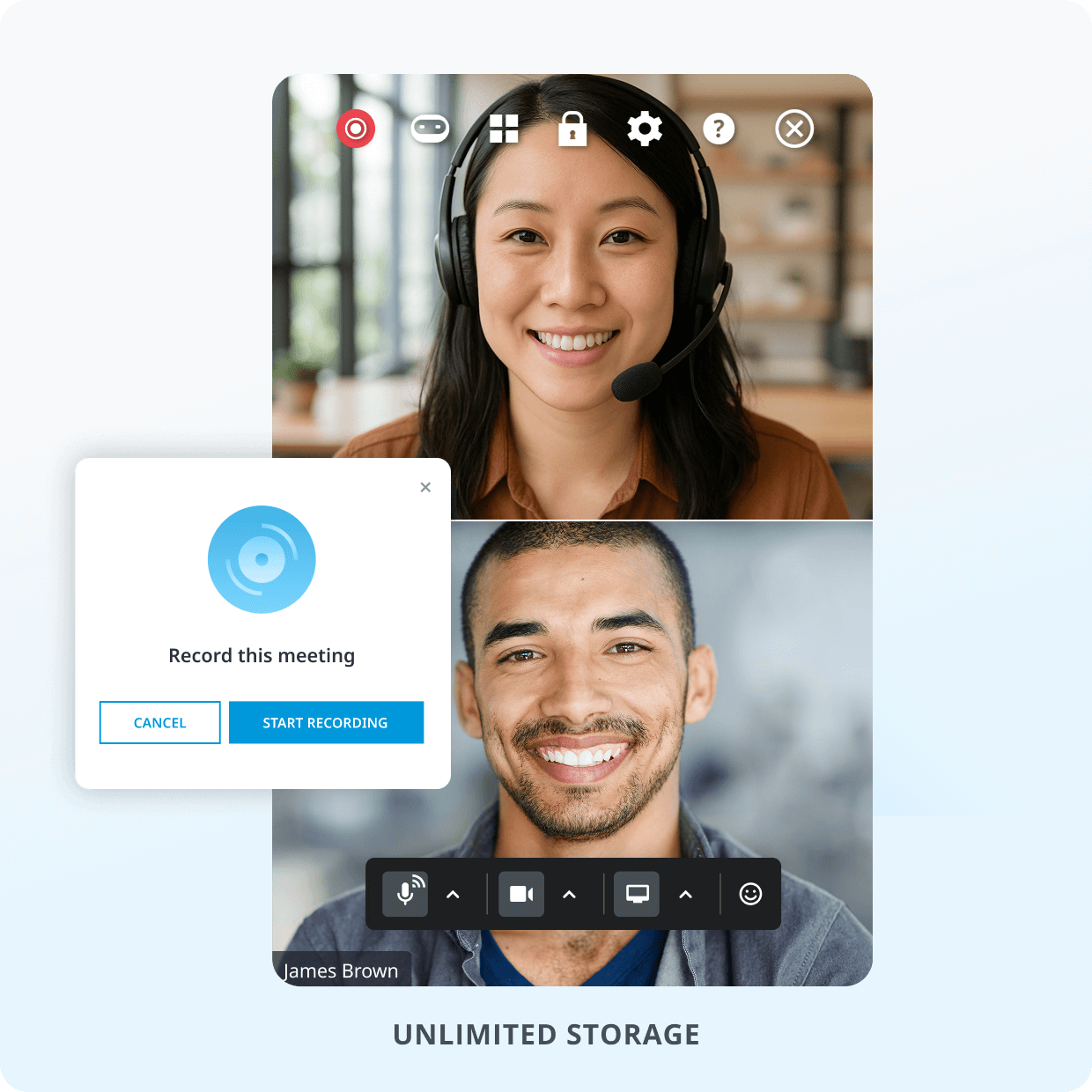
Record all or selected meetings with unlimited cloud storage and easy sharing—never miss a moment.

Custom Branding

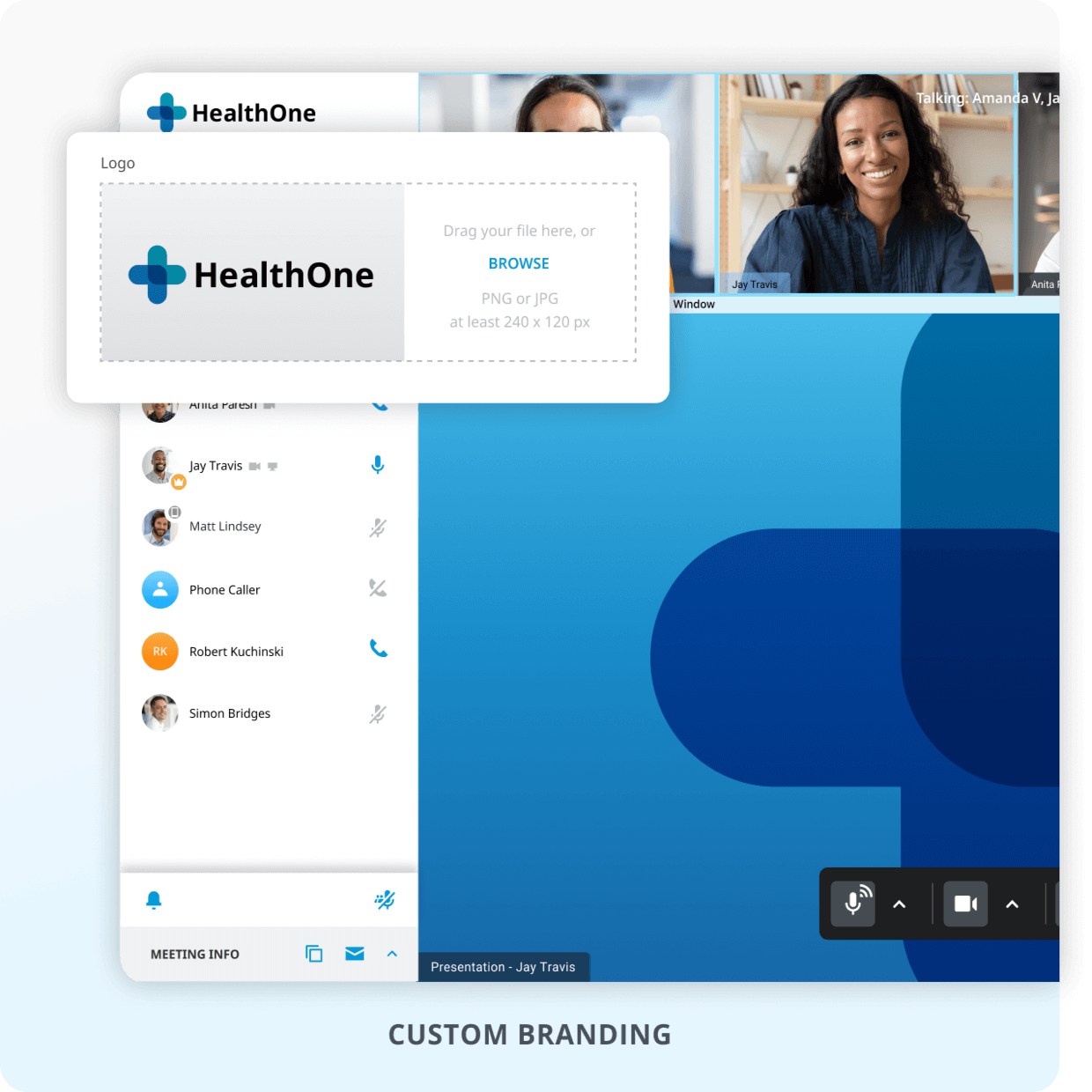
Elevate your brand with personalized meeting backgrounds and logo placement for a professional look.

Smart Integrations

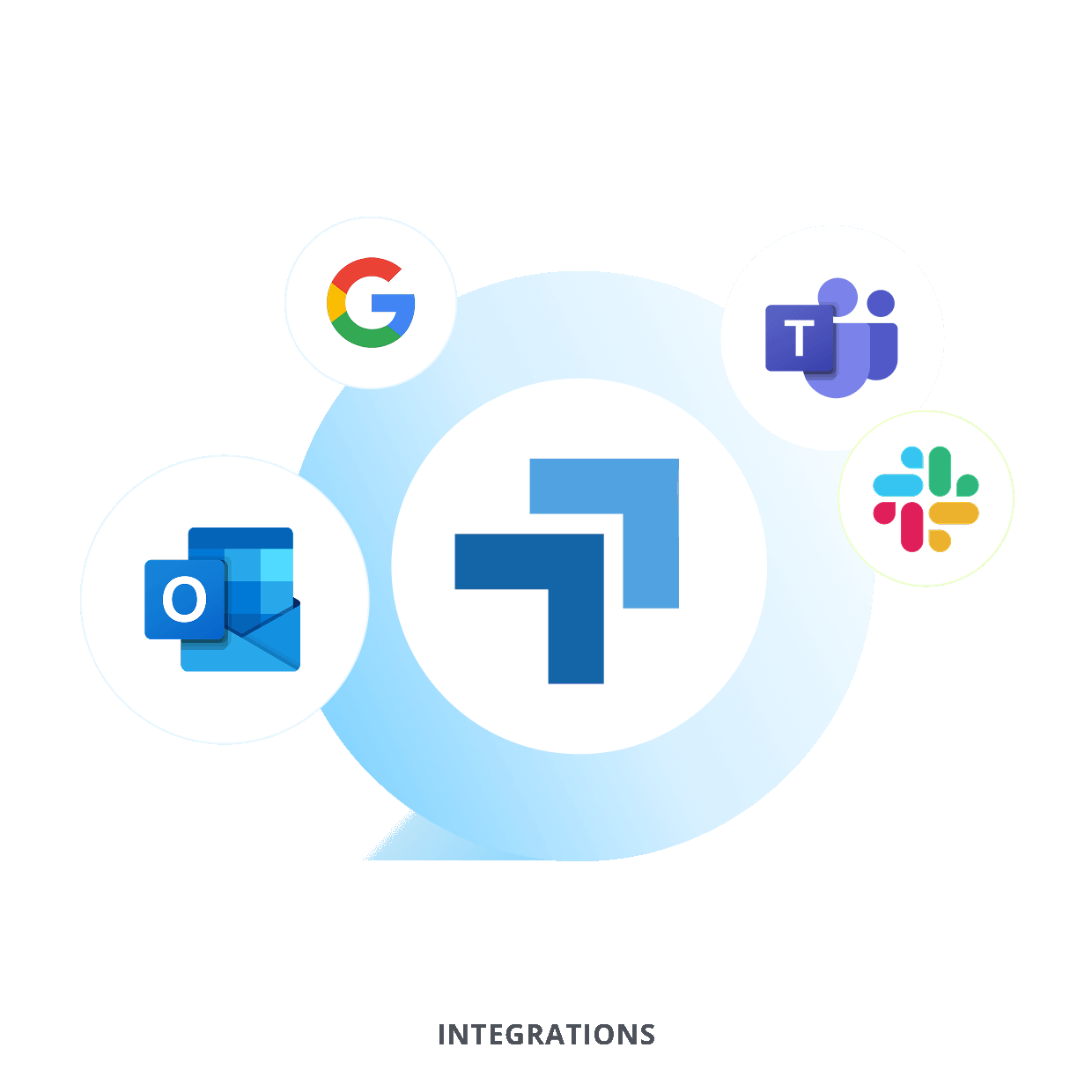
Launch or join meetings directly from your go-to platforms like Outlook, Google Workspace, Slack, Microsoft Teams, and more.

Chats & Notes

Chat with meeting participants and take quick notes during a meeting.

Unlimited Storage
Custom Branding
Integrations
Chats & Notes

All About Cybertex's Elevate Video Meetings

Is Online Meeting the same as the video meetings feature in Cybertex Elevate?
Yes. Online Meeting is the video meetings feature within Cybertex Elevate, our award-winning unified communications platform. Along with video meetings, Elevate users get a business phone system, chat/SMS, contact center features, and file management in one easy-to-use solution.
How do I use video meetings in Cybertex Elevate?
Cybertex Elevate is a simple-to-use video meetings software solution. Download the Elevate app on Desktop, mobile or web and login to your Elevate account. After that you can access Cybertex Elevate in the "Meetings" tab within the app you want and start an unscheduled video meeting or view your meetings for the day when synced to your calendar. Your unique video conference meeting url is also accessible whenever you want to send a link to attendees. No onboarding or training required. Start and join a high-quality face-to-face video call in seconds.

Is there a Elevate app?
The Online Meeting app is now integrated into our unified communications app "Elevate". The Cybertex Elevate app is available on desktop, mobile devices, and web. There, you will be able to access video conferences and video calls from anywhere. This makes it an excellent solution for remote work.
Is Cybertex Elevate HIPAA compliant?
Yes, Cybertex Elevate is a HIPAA-compliant video meetings software for webinars, video meetings, and more.
Can I send my Cybertex Elevate meeting link in a text?
Yes, you can! You can send a meeting link or if you are the host, your personal conference room URL multiple ways - over chat messaging, text, or email. Simply copy the meeting URL or use the "Copy info" button either in or out of a meeting and send the link to whomever you like.
Can I download Cybertex Elevate?
Yes, to access Cybertex Elevate, download the Elevate app on desktop, mobile or web. There you will be able to access Cybertex Elevate at any time.
How do I set up a paid webinar with Cybertex Elevate?
Setting up a webinar is simple. Once you have purchased Cybertex Elevate Webinar, you can access it in the "Webinars" tab in the Elevate app. Once there you can see upcoming or past sessions as well as schedule a new webinar. Edit the details for your new webinar, hit "Schedule New" and you are all set. Then you can grab the webinar details and invite attendees via your preferred messaging platform, such as Microsoft Teams, or email.
Are accounts required for all Cybertex Elevate attendees?
No, they are not! The host must be an account holder to host a meeting, but attendees can simply click on the meeting info and join the meeting. Attendees can also be sent meeting notes when a meeting is finished.
How many users can Cybertex Elevate hold?
Depending on the Elevate license purchased, Cybertex Elevate can hold up to 200 participants for both high-quality HD video and audio in a video meeting or conference room setting. You can even collaborate using built-in features like whiteboards for brainstorming sessions or sales demos, leverage breakout rooms for internal collaboration, or streamline file sharing by using the integrated notes tab.
Does Cybertex Elevate offer AI-generated meeting recaps?
Yes! Cybertex Elevate now includes AI-powered Meeting Recaps with Cybertex AI, helping users save time and boost productivity. After a meeting ends, you can access a summary of key takeaways, action items, and conversation insights—perfect for follow-ups and team alignment.
Contact
Interested in talking to sales?
Call us to start the conversation.
1.888.882.8081

Request a Call Back